Recolor Google Maps and add custom markers in minutes. Download, share, or embed maps anywhere. Free to use.
“I love this Google map customizer you created. It solves such a big problem with Google Maps. Quite frankly, I'm a little surprised that Google hasn't come up with something to do the same thing that your tool accomplishes.”- a Map Builder user
Map Builder is a tool for creating custom maps that can be downloaded, shared, or embedded on websites. It's used for world maps, store locators, data visualizations, itineraries, and more. If you can imagine it, you can build it.
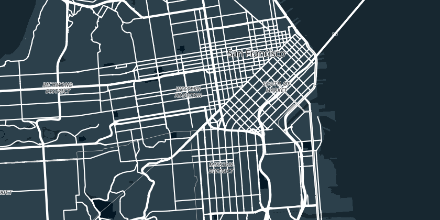
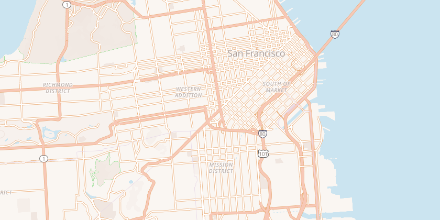
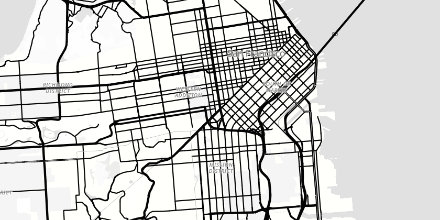
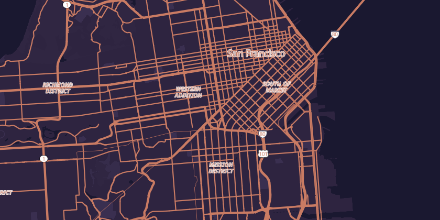
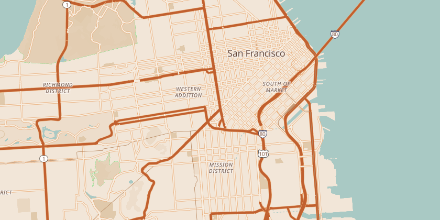
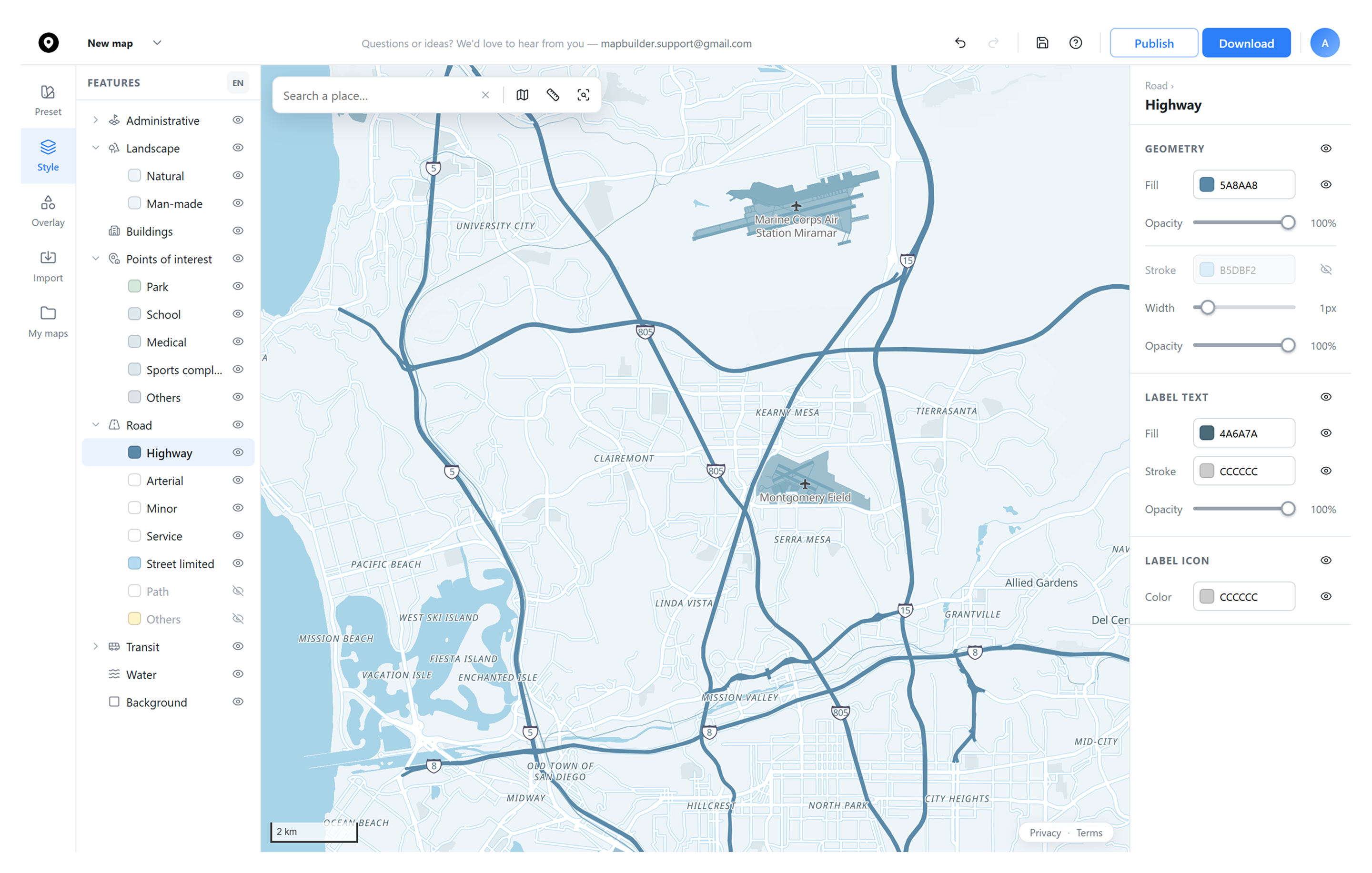
Change the color, label, and stroke of roads, water, parks, buildings, and more.
Start with a collection of beautiful map styles, then fine-tune from there.
Switch the base layer under your style.
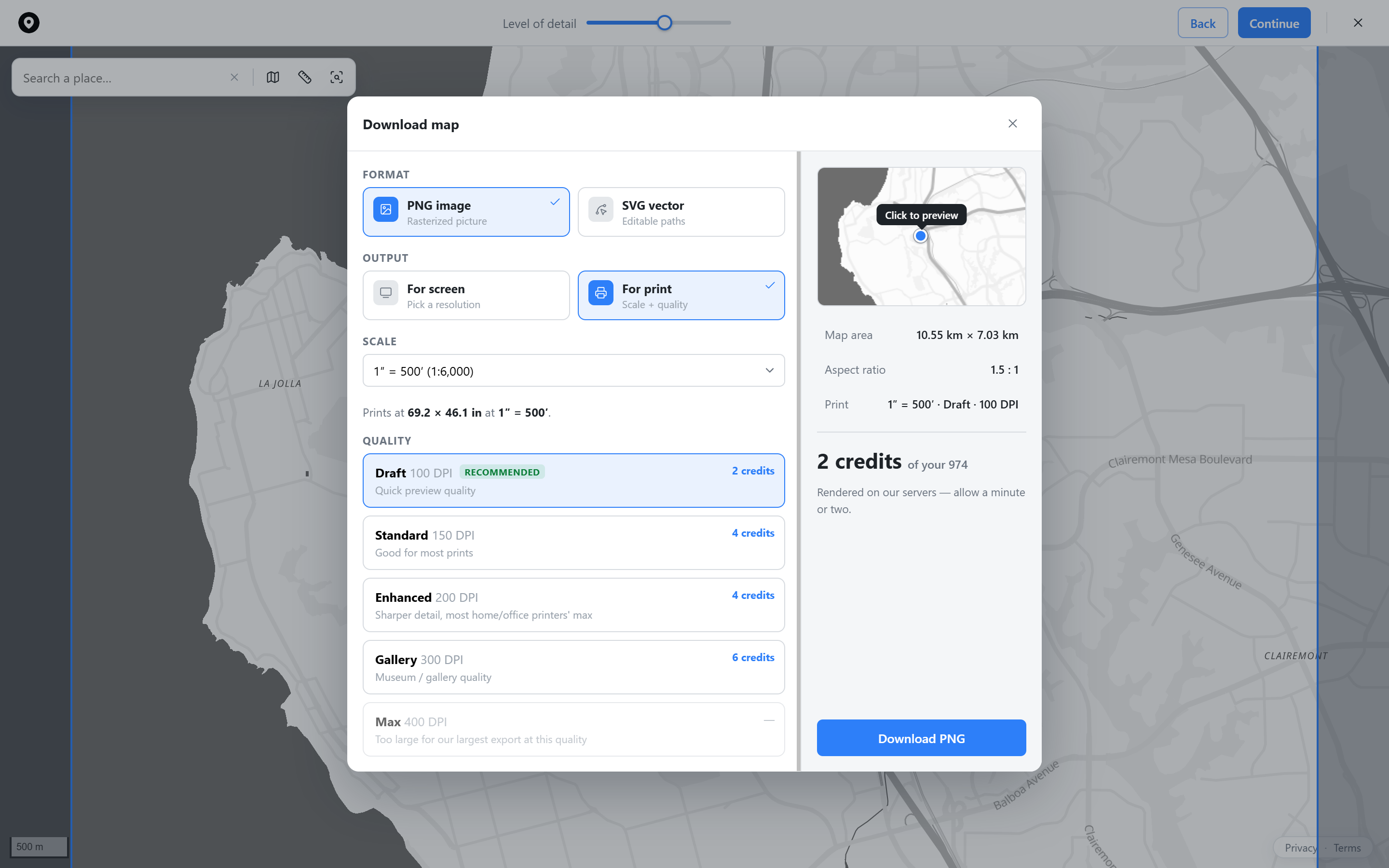
A print-ready PNG, sized for anything from a phone wallpaper to a gallery print.
A true vector SVG that stays crisp at any size.
Control the exact scale and DPI for your downloaded map.
Drop pins anywhere, name them, and attach up to six photos each with a drag-to-reorder gallery.
Get a shareable link or an embed code for your own site. Anyone you send it to gets the live, interactive map, not a static image.
Bring in your own boundary or route file, or plot multiple addresses from a CSV file or photos.
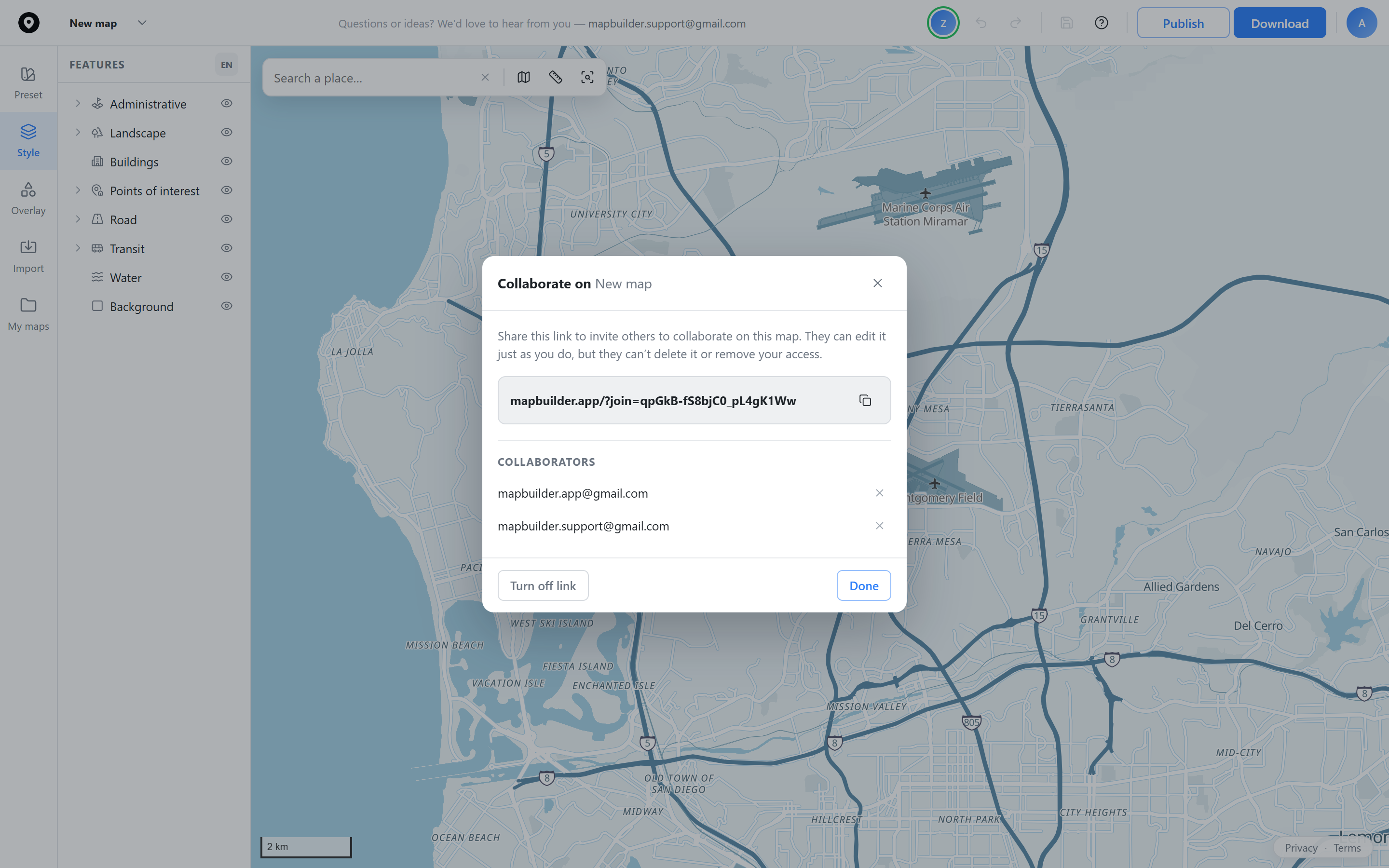
Invite someone to work on the same map with you. Changes sync for everyone who has the link, no accounts to manage.
Presence shows everyone who currently has the map open, so you know who else is in there with you.
Turn off the shared link for everyone at once, or remove a single collaborator without touching the rest.
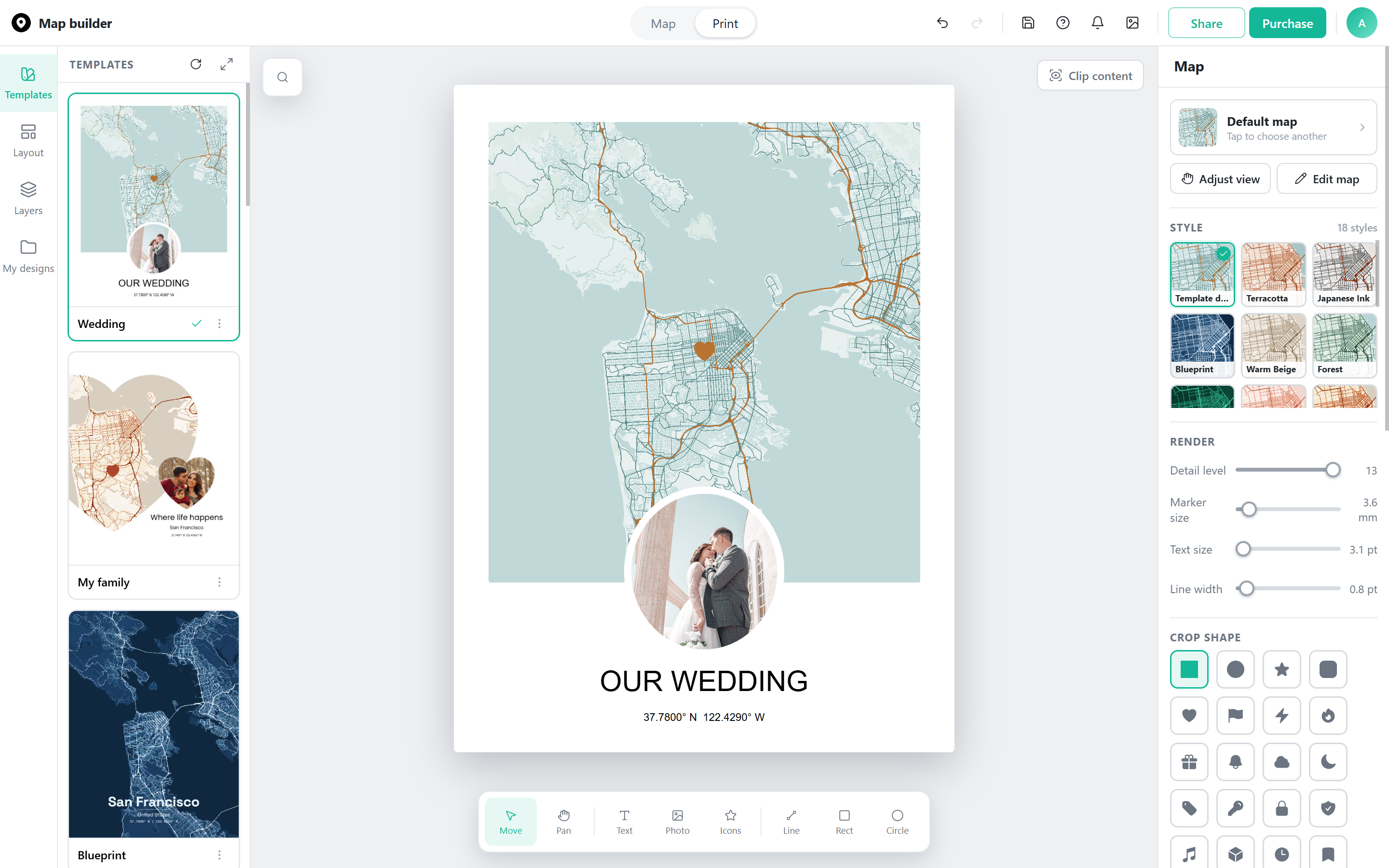
A wedding venue, a first home, a favorite trip, start from that spot and its coordinates.
Pick a style, add photos and a title, then choose a frame in red oak, black, or white, or none at all.
Matte paper at 300 DPI, sized to your poster's shape so nothing gets cropped. Free shipping worldwide.
| Create Mappins | MapCustomizer | Snazzy Maps | Atlist | Google My Maps | Map Builder | |
|---|---|---|---|---|---|---|
| Customization | ||||||
| Recolor the map itself (roads, water, buildings, parks) | Template only | X | Yes | Template only | Template only | Yes |
| Download | ||||||
| Download a print-ready PNG or vector SVG | X | X | Low resolution | X | X | Yes |
| Data | ||||||
| CSV import | Yes | Manual paste only | X | Yes | Yes | Yes |
| Import photos as markers | X | X | X | X | X | Yes |
| Interact | ||||||
| Custom markers / icons | Paid | Free (limited) | X | Free | Free (limited) | Free |
| Add photo to marker | Paid | X | X | Yes | X | Yes |
| Add shapes | Paid | X | X | Yes | Yes | Yes |
| Collaboration | X | X | X | Yes | X | Yes |
| Price | ||||||
| Publish map | Free | X | Need Google API key | Paid | Free | Free |
| Starting paid price | $20/mo | Free | $10/mo | $15/mo | Free | $5/mo |
Based on each provider's own website and pricing page as of August 2026. Features change often, so verify current details directly with each provider.
Wedding invitations, real estate listings, travel prints, and more, all built in the same free editor.
A venue map styled to match your invitation suite, or a distance map for save-the-dates.
Import a real route and turn it into styled map art, from a single hike to a lifetime of travel.
Styled neighborhood and amenity maps for listing flyers, brochures, and vacation rental guides.
Turn a meaningful address into custom-colored map art, for anniversaries, new homes, or keepsakes.
Show every store, branch, or location on one branded, embeddable map, built for retail and franchise sites.
Styled location maps for a novel's setting, an article, or a community newsletter.
Clean, editable-vector base maps for portfolios, client presentations, and coursework.
Printed wayfinding: venue and parking maps, charity route maps, and neighborhood or trail maps.
 Map builder