Import a real route, or draw one by hand with the Route tool, then turn it into styled map art, from a single hike to a lifetime of travel.
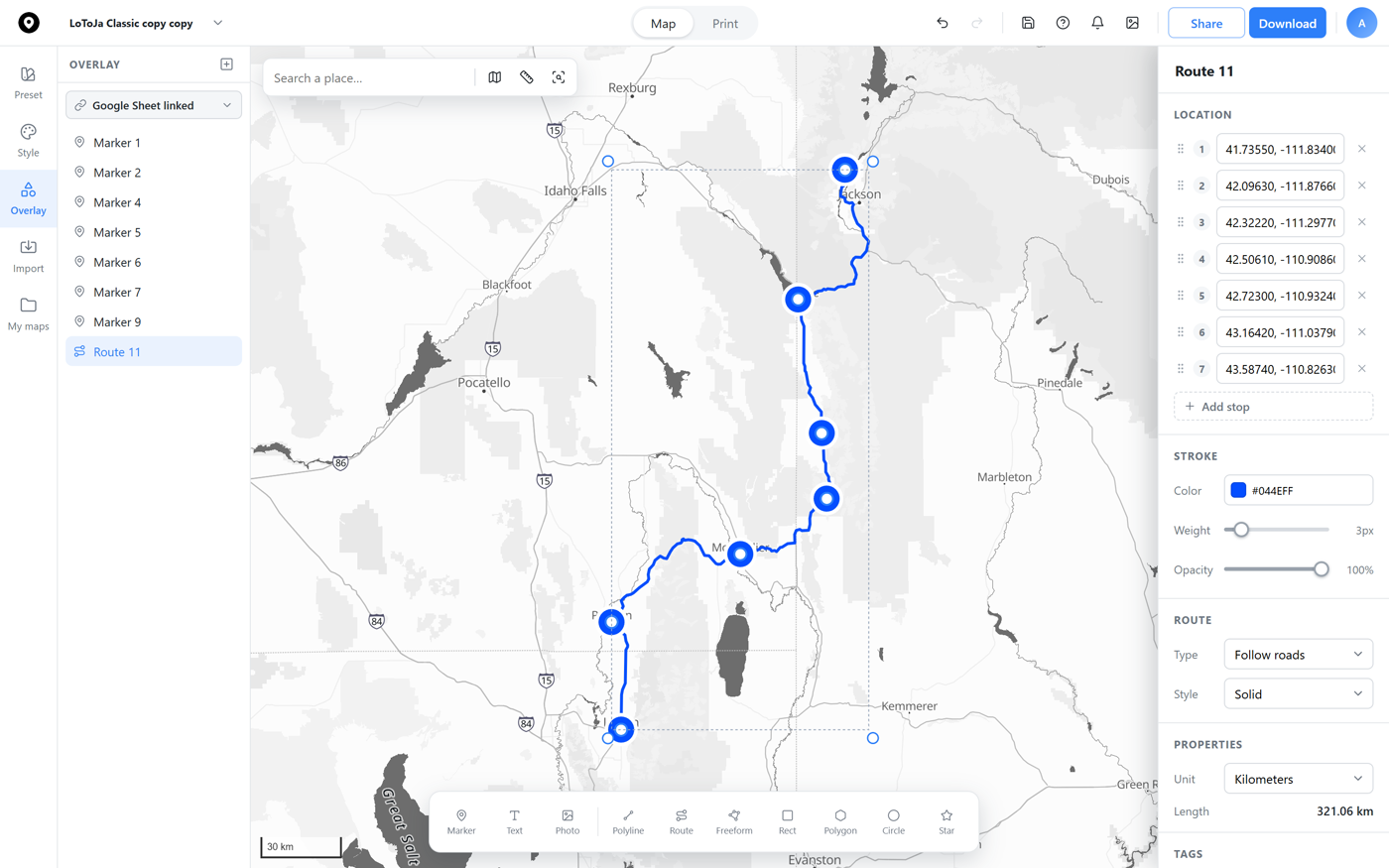
Click across the map to trace a real route, a hike, a road trip, a cross-country move. Each click drops a stop, named like a directions list, and Map Builder measures the total distance as you go. The map below is a live, published example, pan around and see it for yourself.
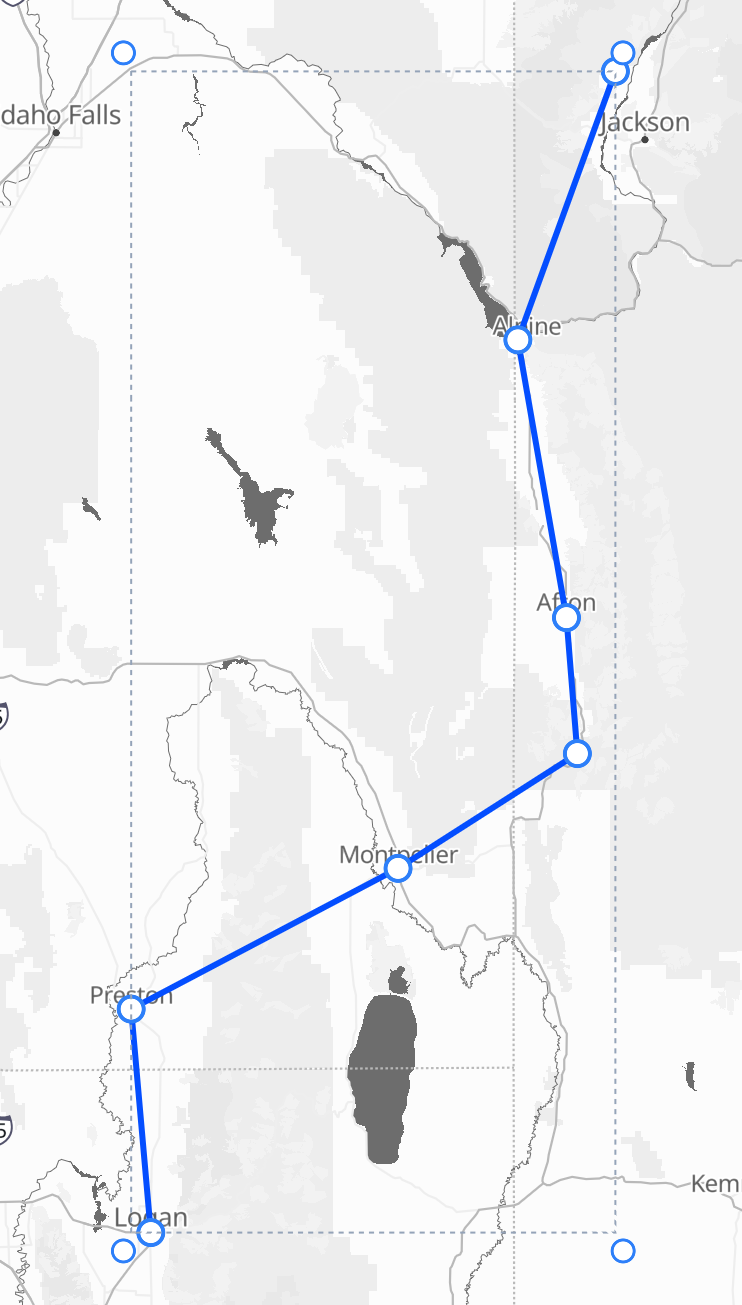
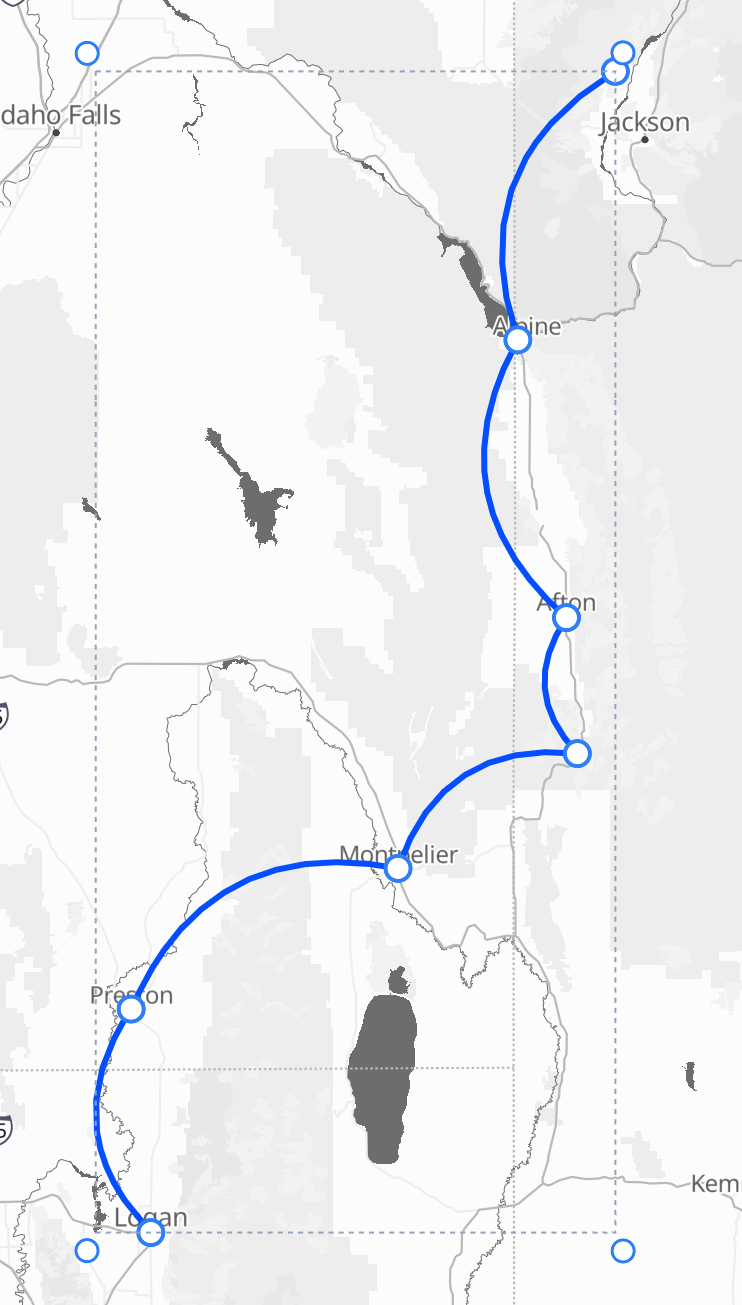
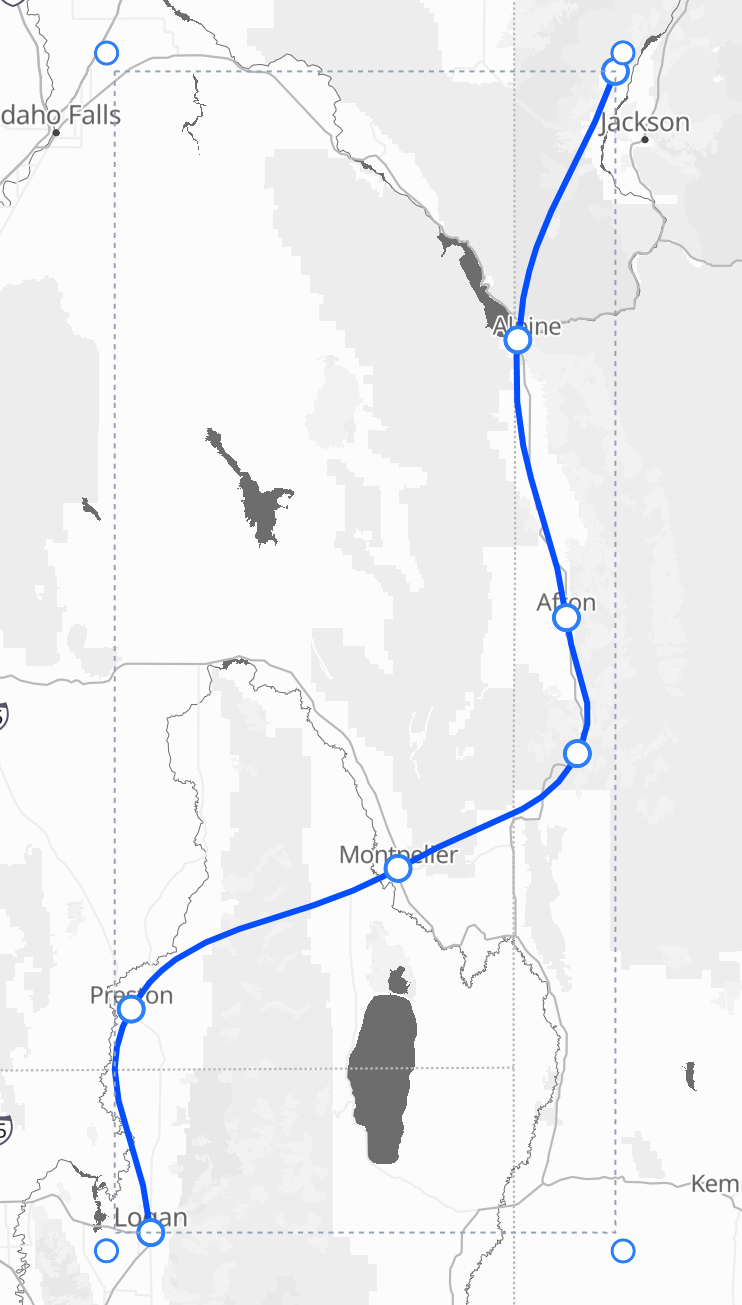
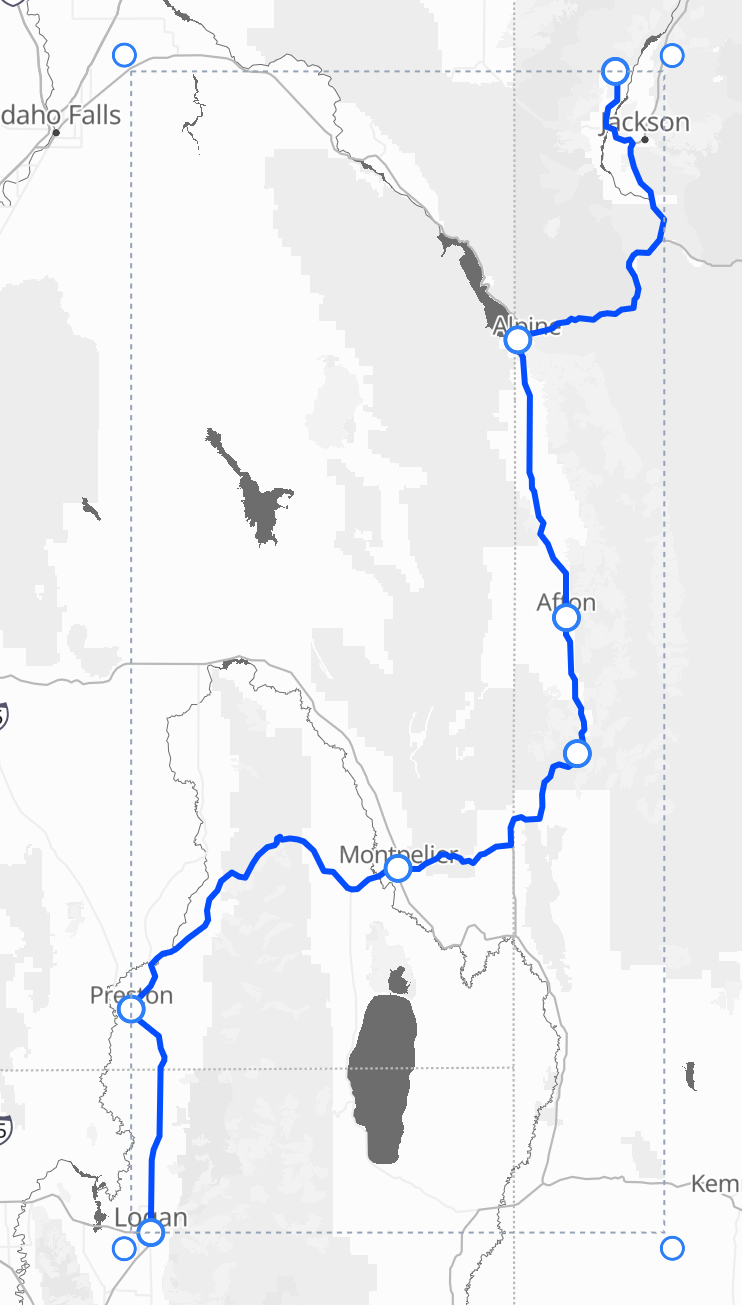
The same stops, four different lines. Straight connects them point to point, Arc bows each leg its own direction, Bézier flows through every stop as one smooth curve, and Follow roads snaps the whole thing to the real road network.
Snap a stop onto a marker while you draw and the two stay linked, move the marker later and the route follows it, with no need to redraw. Drag a stop off on its own and it stops following, so you're always the one in control.
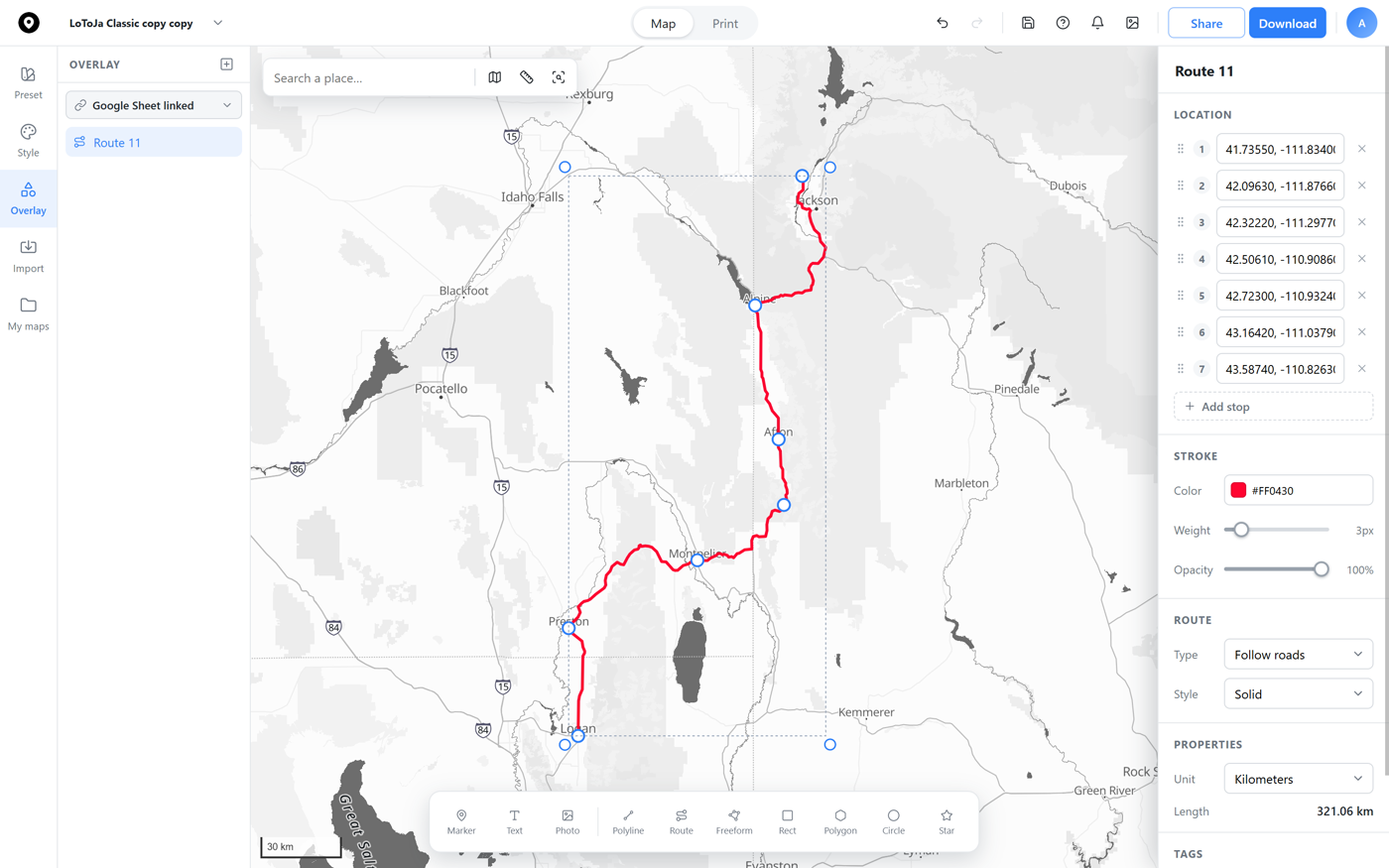
A route's stroke color is independent from the basemap underneath, pick a bold race-day red, a color that matches your print, or anything else, right from the Stroke section. No redraw required, the line updates instantly.
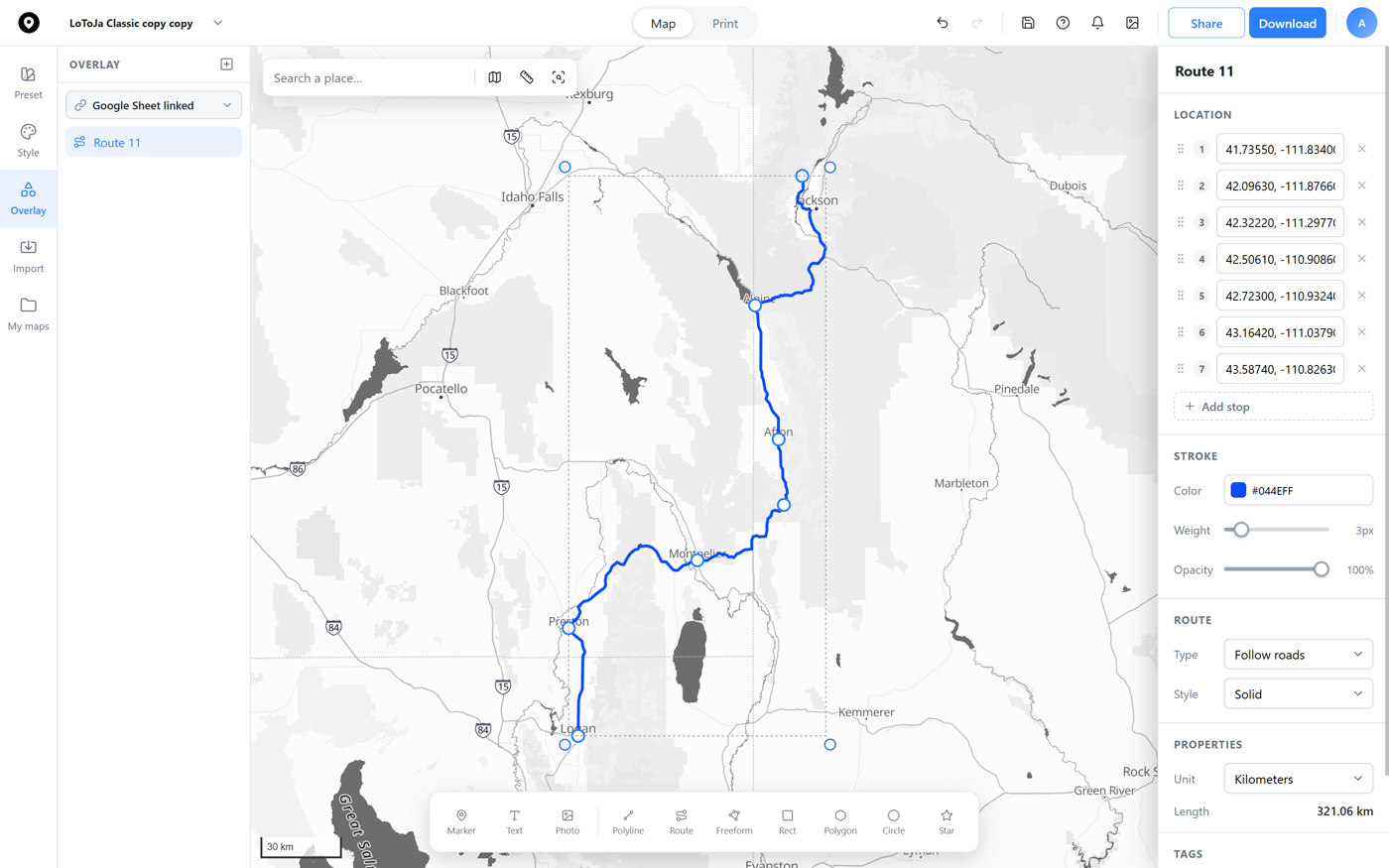
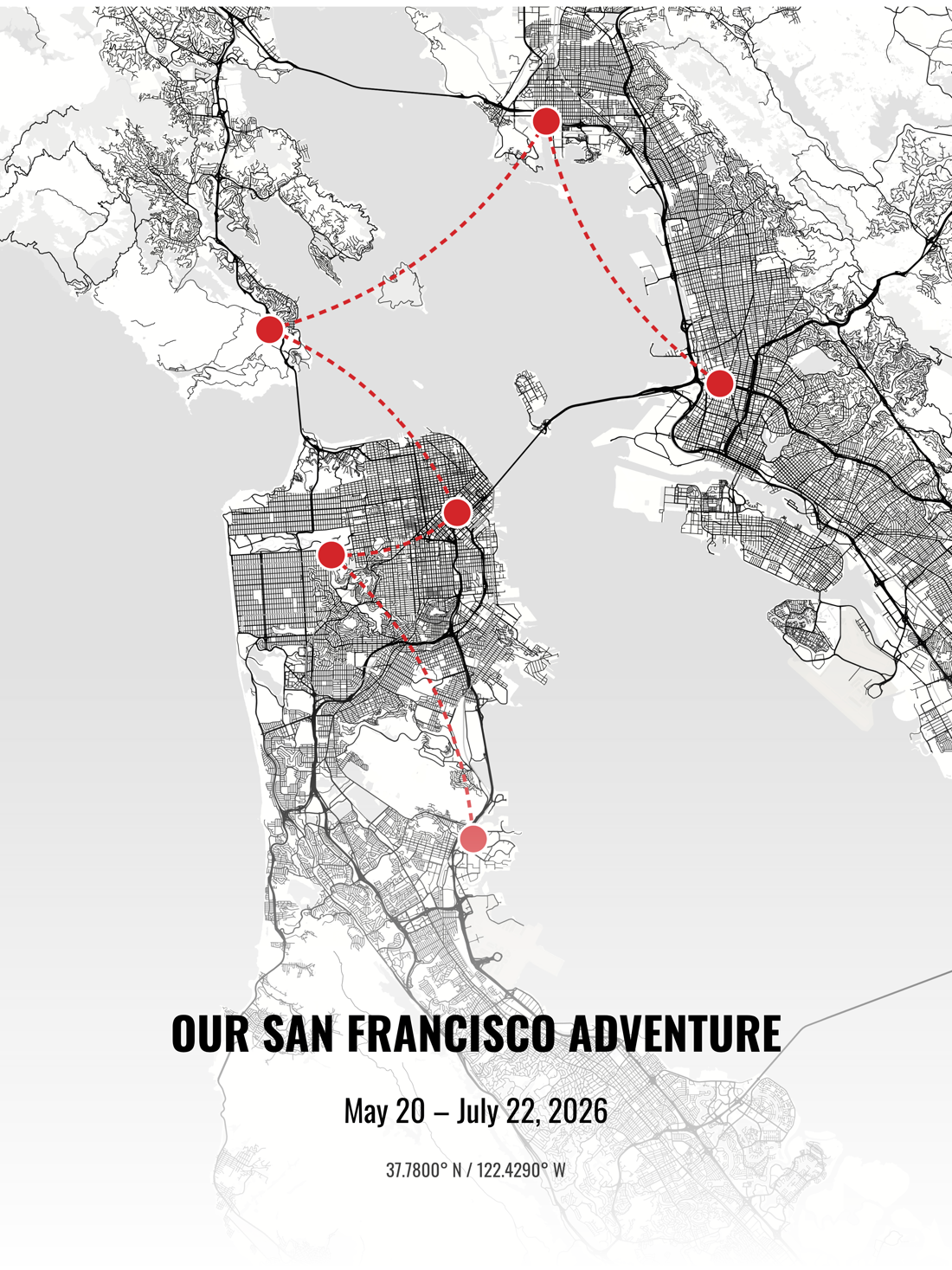
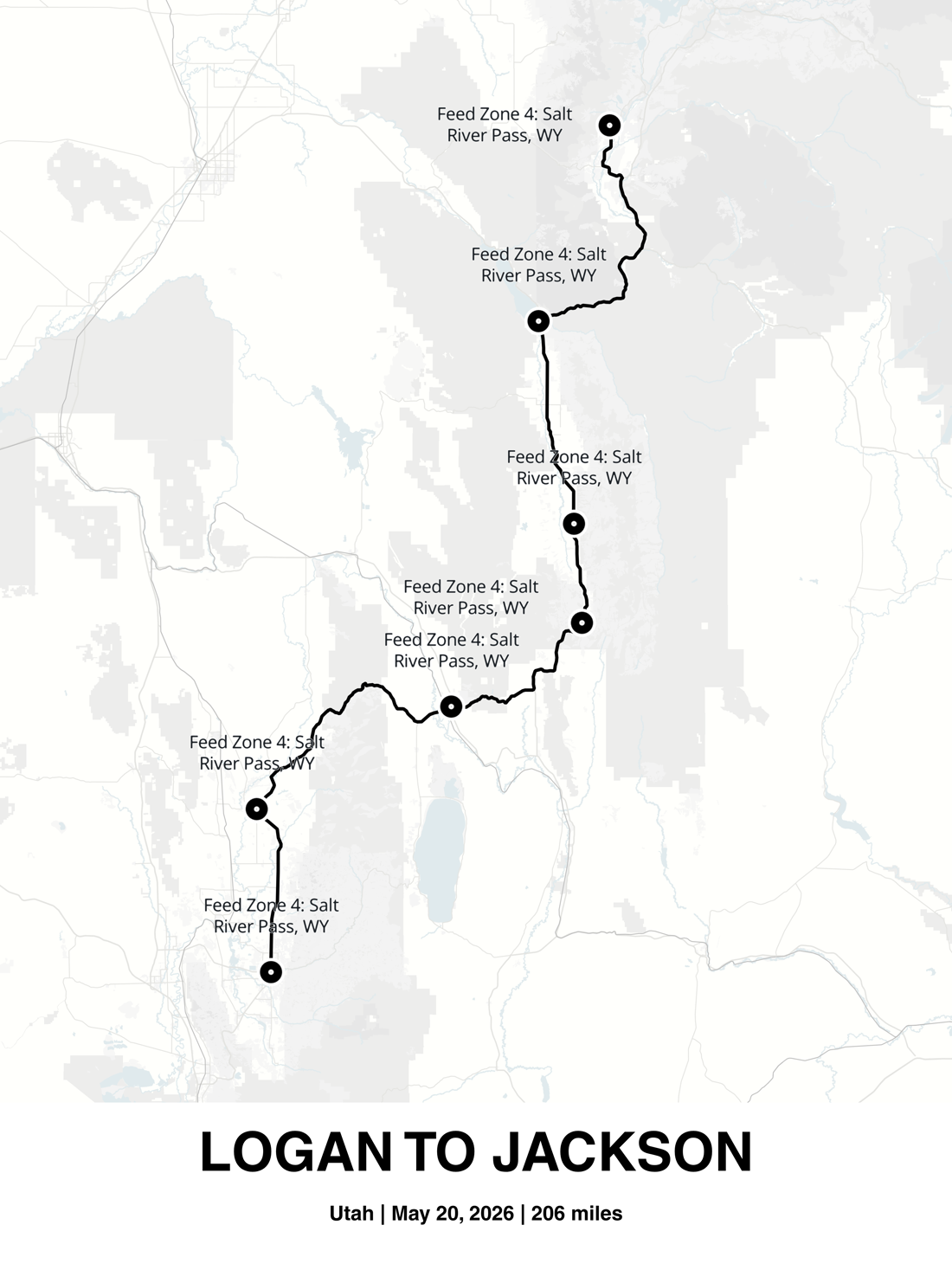
Plot a trip, a race, or a road-trip itinerary as a route on a poster, with each stop labeled right where it happened, then order it printed and framed.
 Map builder