Recolor roads, water, parks, and buildings, choose a basemap, and style every marker, shape, and popup to match your brand.
Pick the base layer that fits your map, then style your own colors and labels on top of it.
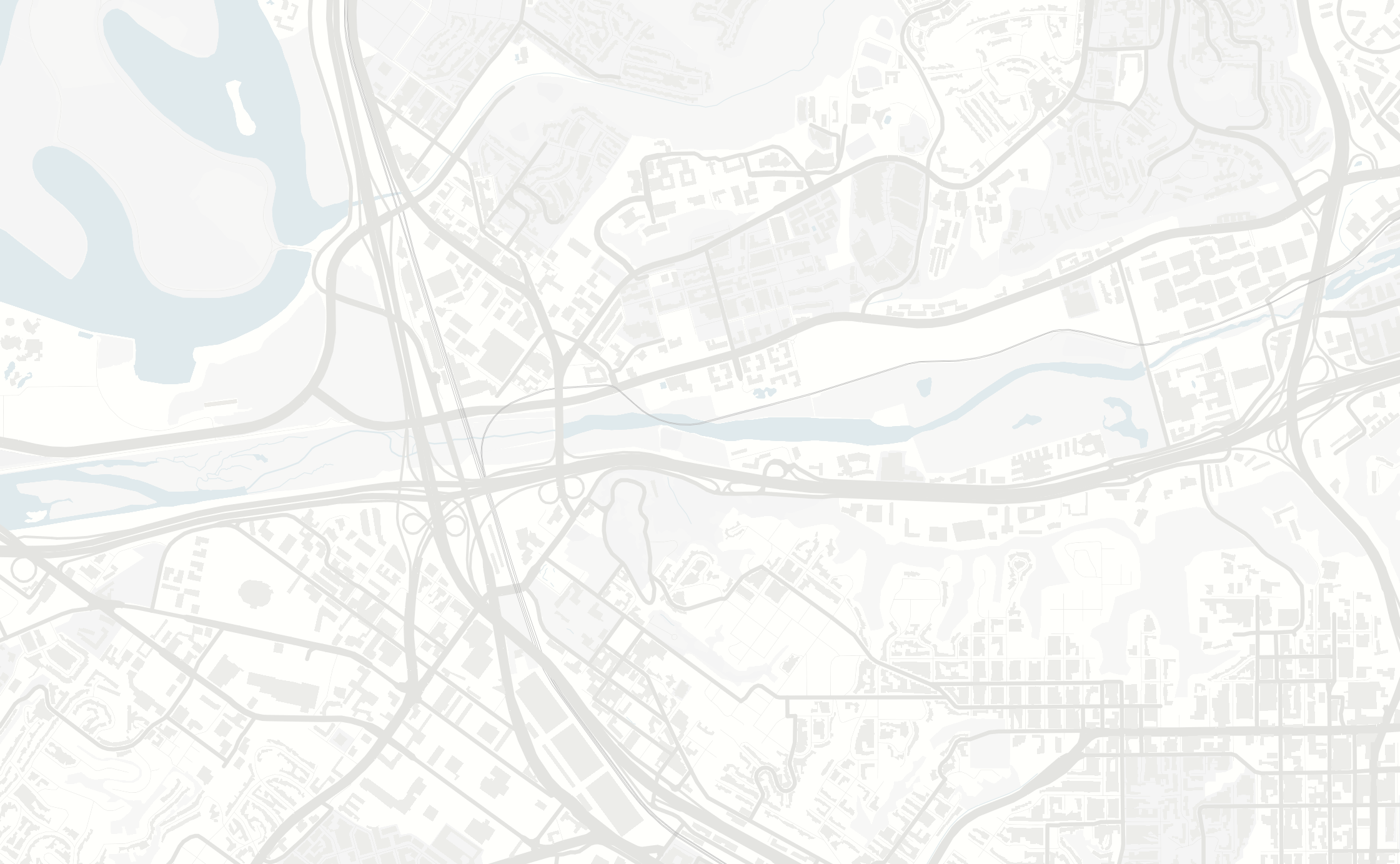
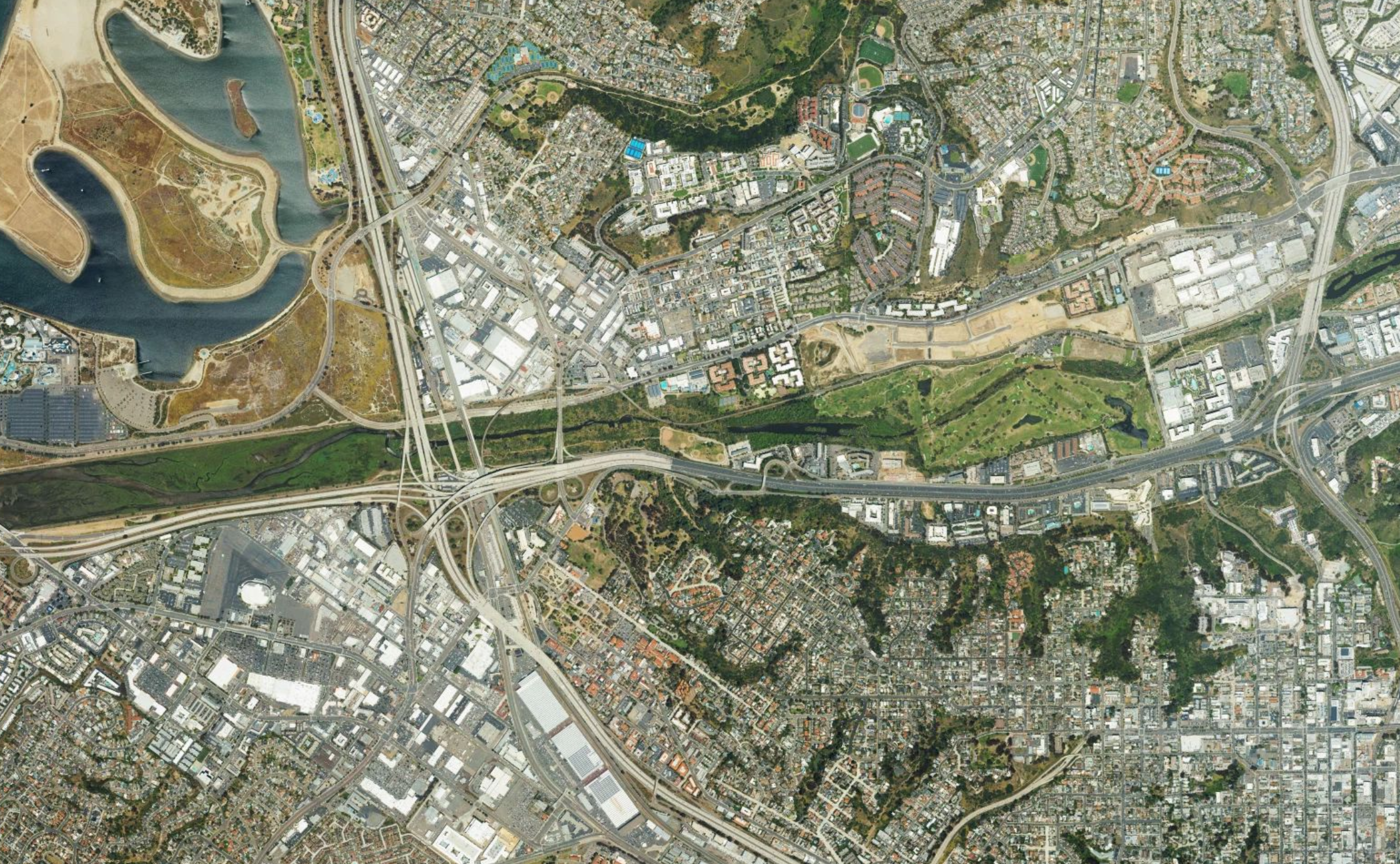
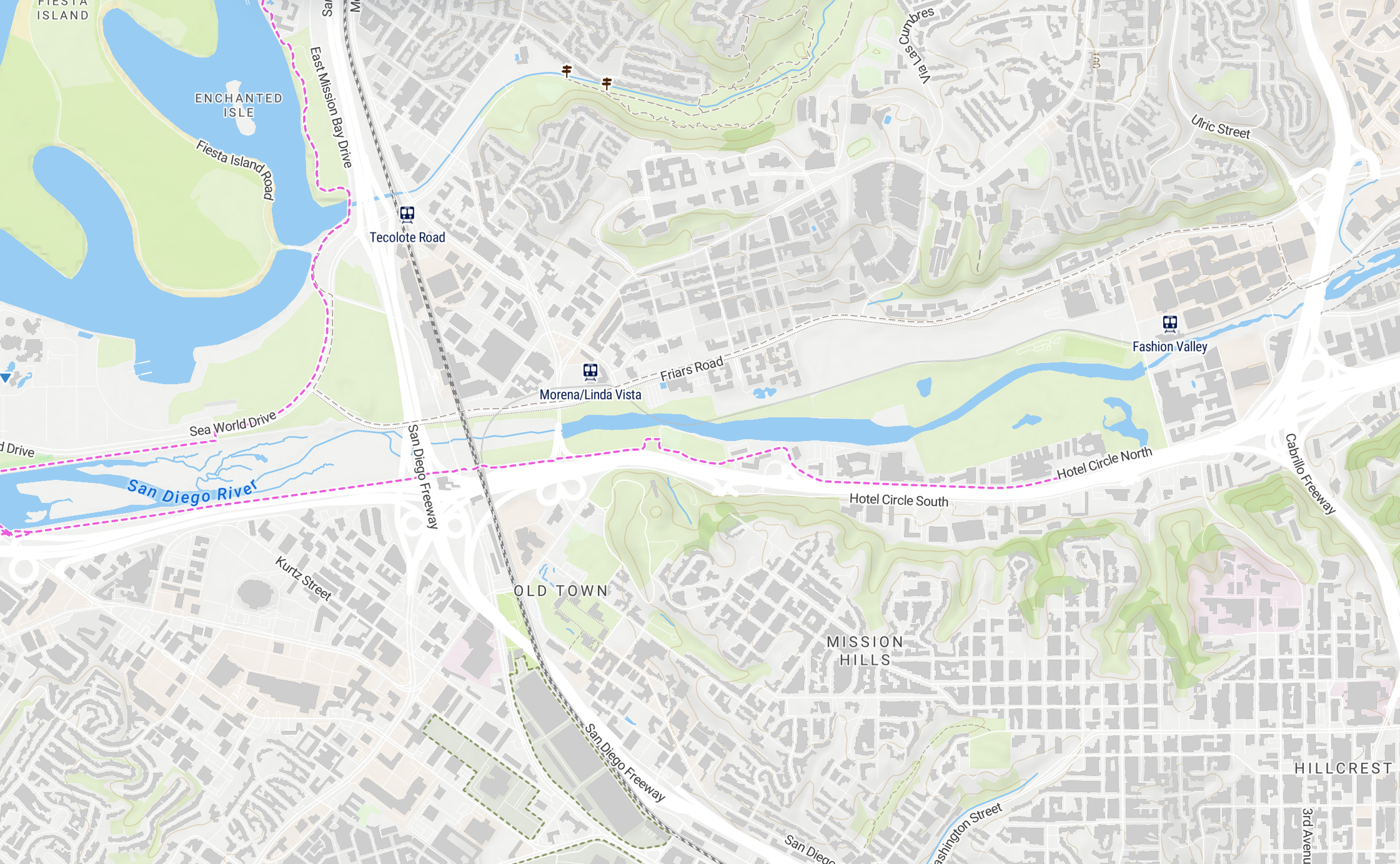
Every preset is a complete color palette, ready to use, or use it as a starting point and fine-tune from there.
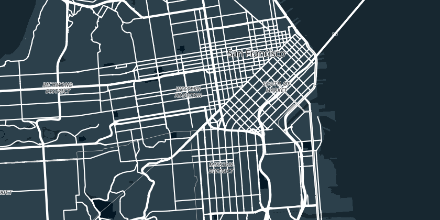
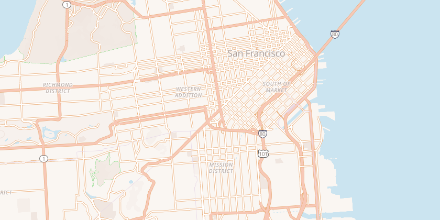
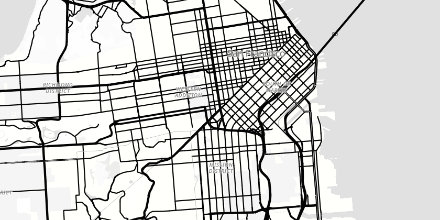
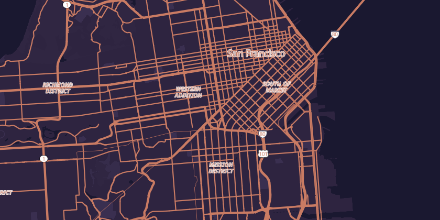
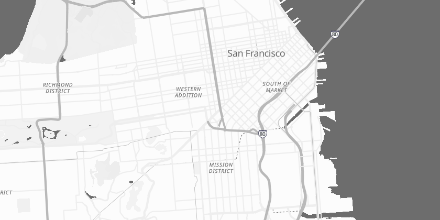
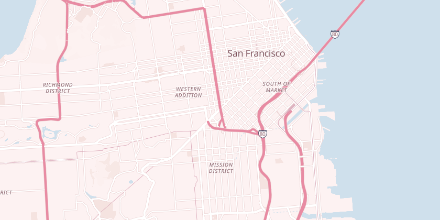
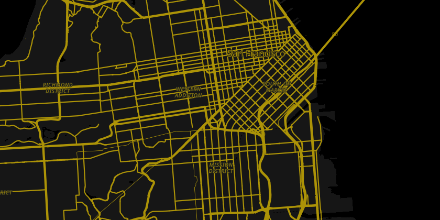
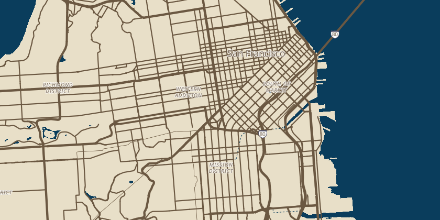
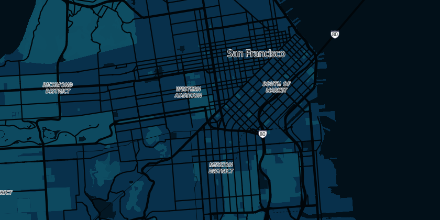
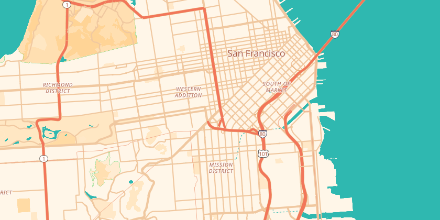
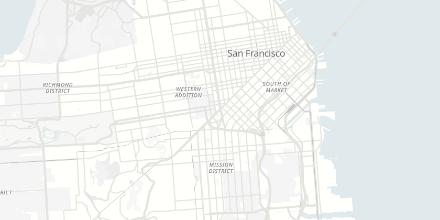
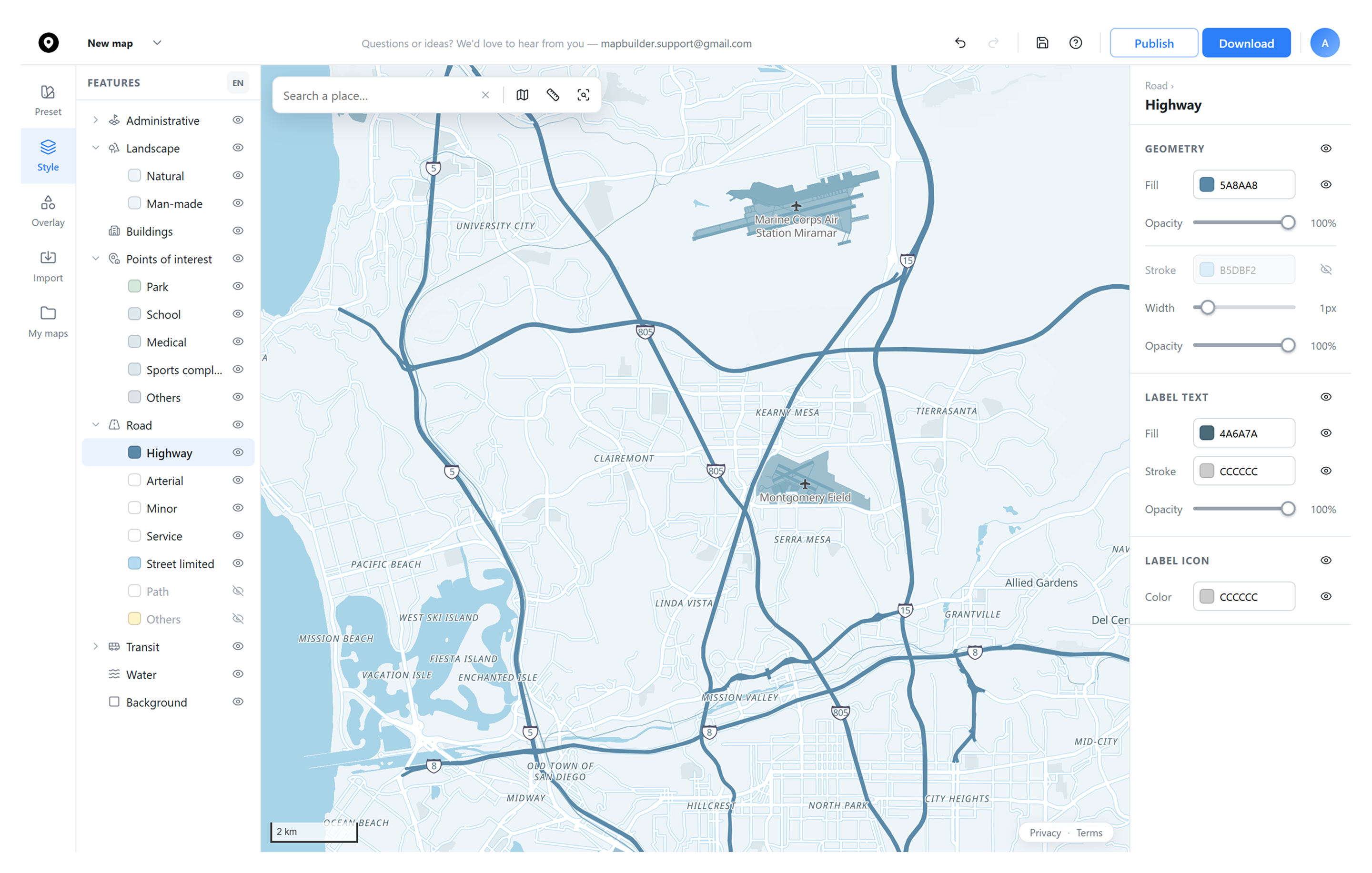
Change the color, label, and stroke of roads, water, parks, buildings, and more, layer by layer.
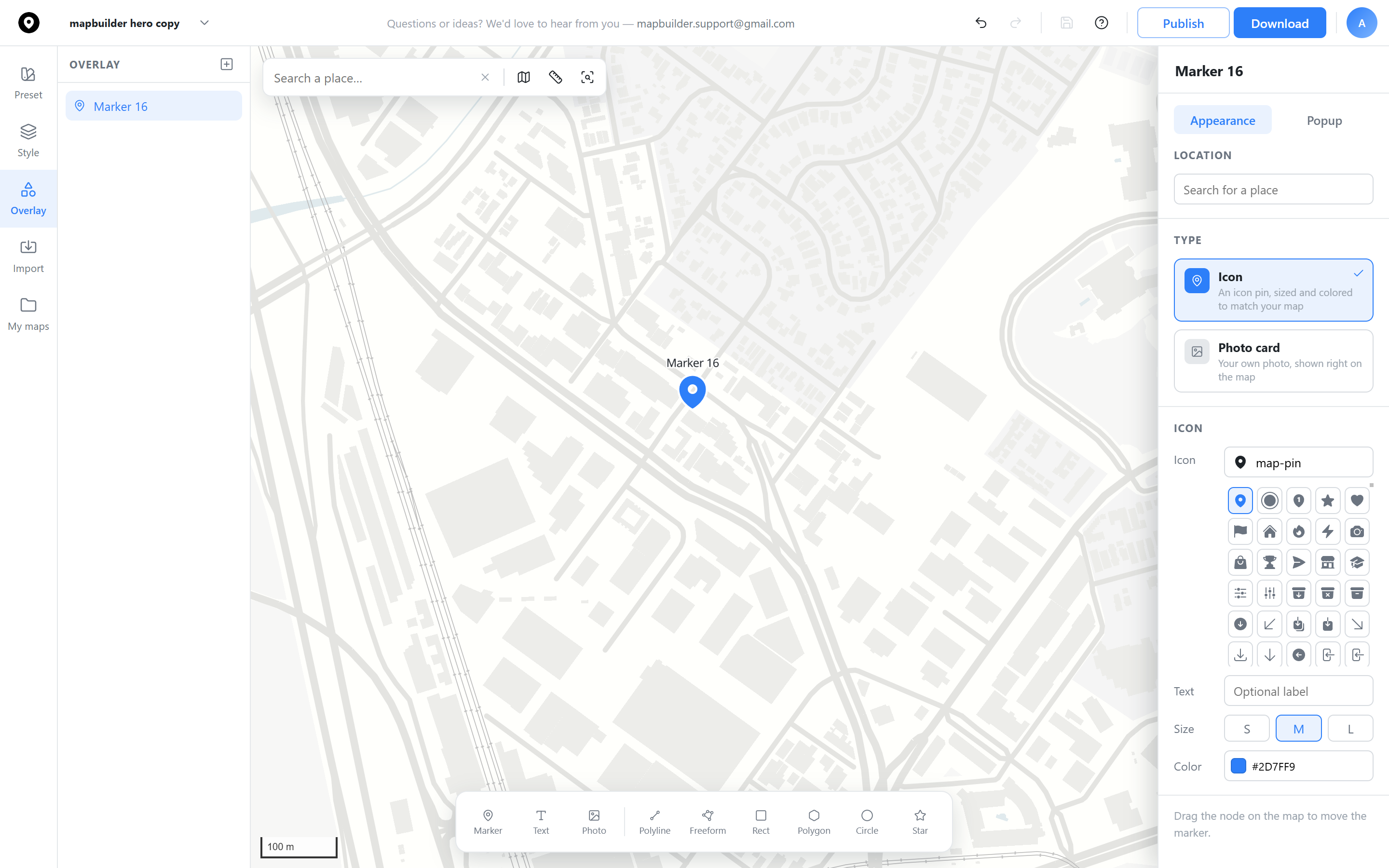
Pick any icon, in any color and size, or swap in your own photo as the marker itself.
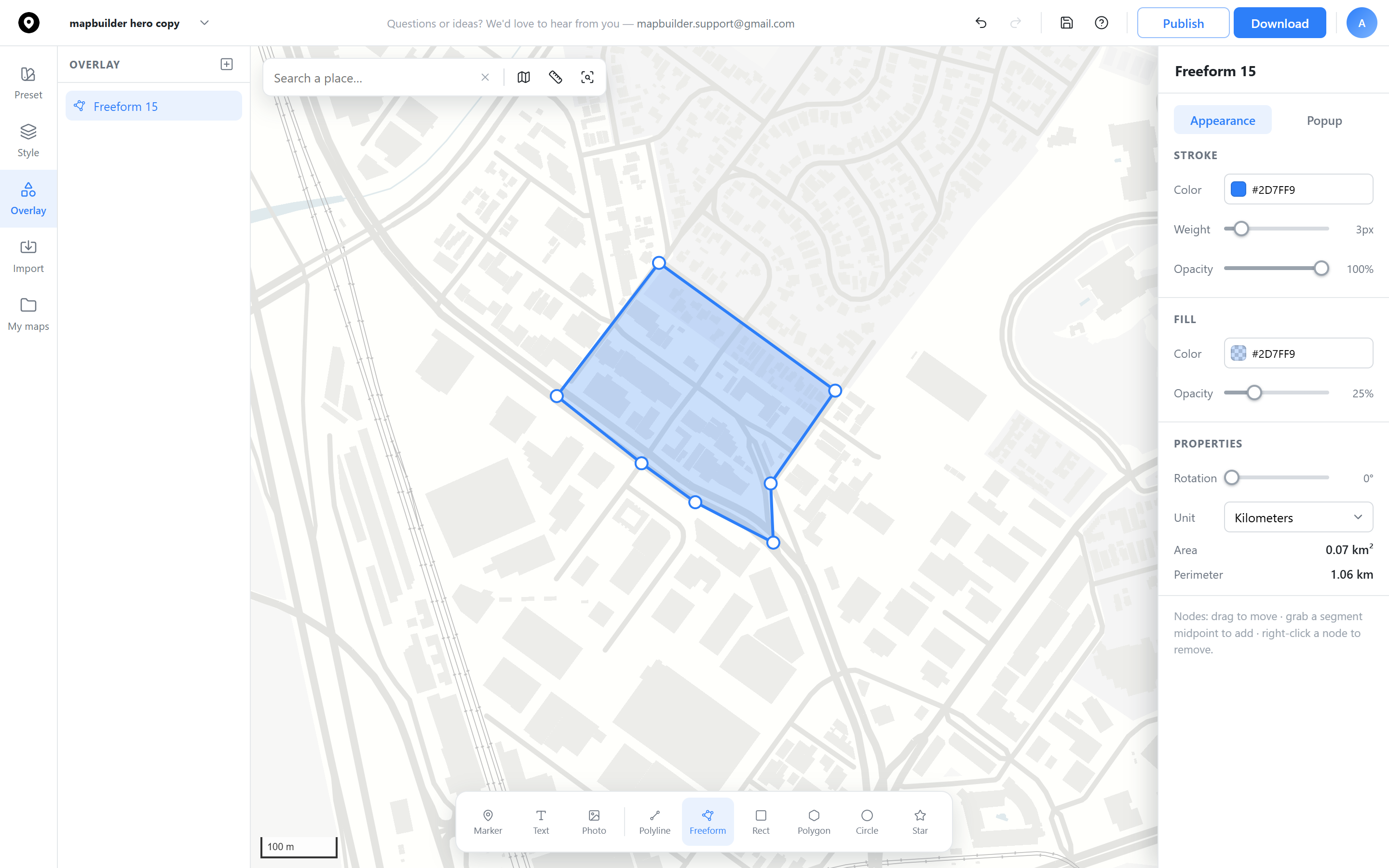
Freeform areas, polygons, circles, and stars, each with its own stroke, fill, and opacity.
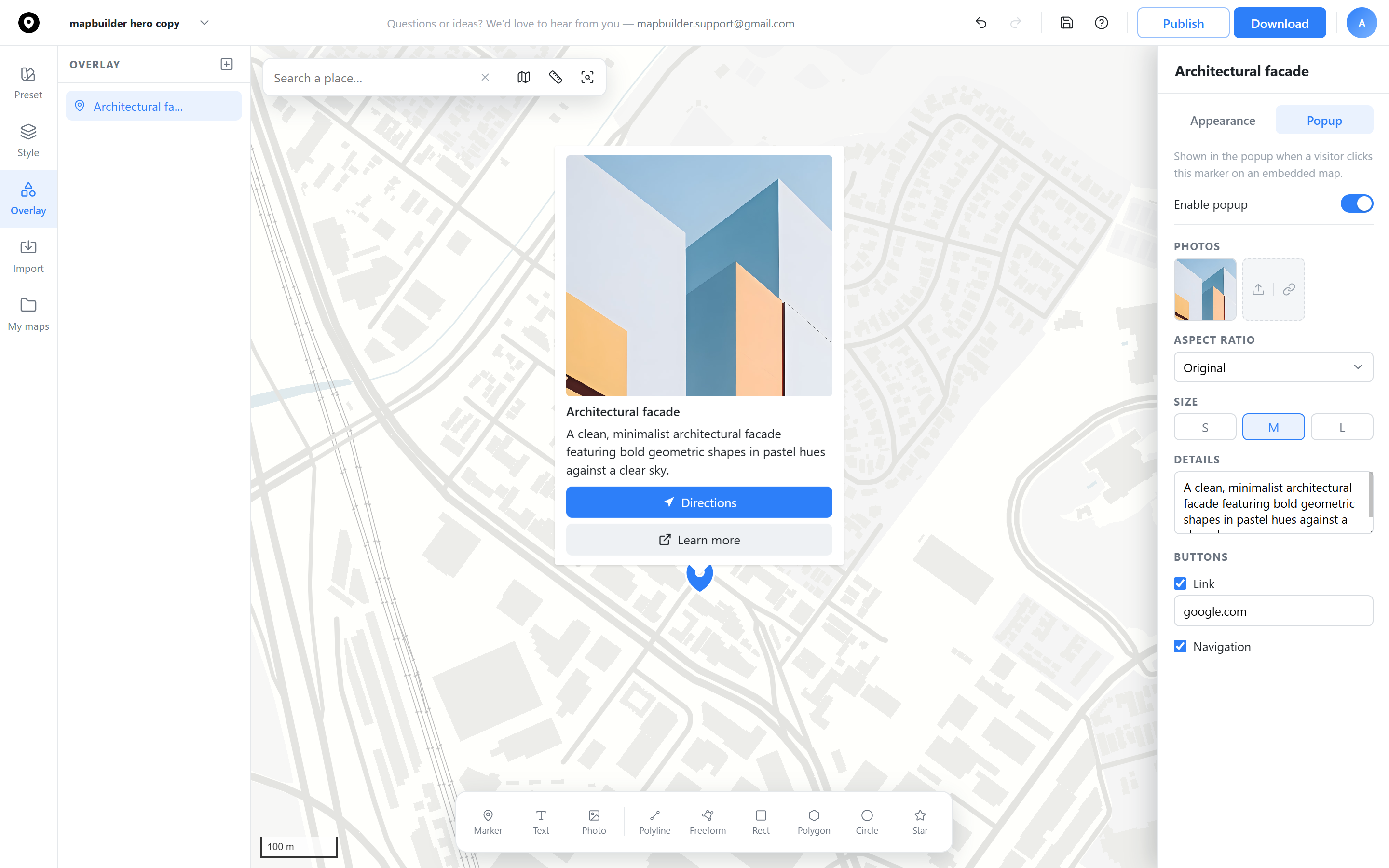
Add a photo, title, and description, plus Directions and Learn more buttons, shown when someone clicks the marker.
 Map builder