Mark the venue, pin the food and parking, show the way in, and show what each stop looks like. One map for your printed booklet, signage and event website.
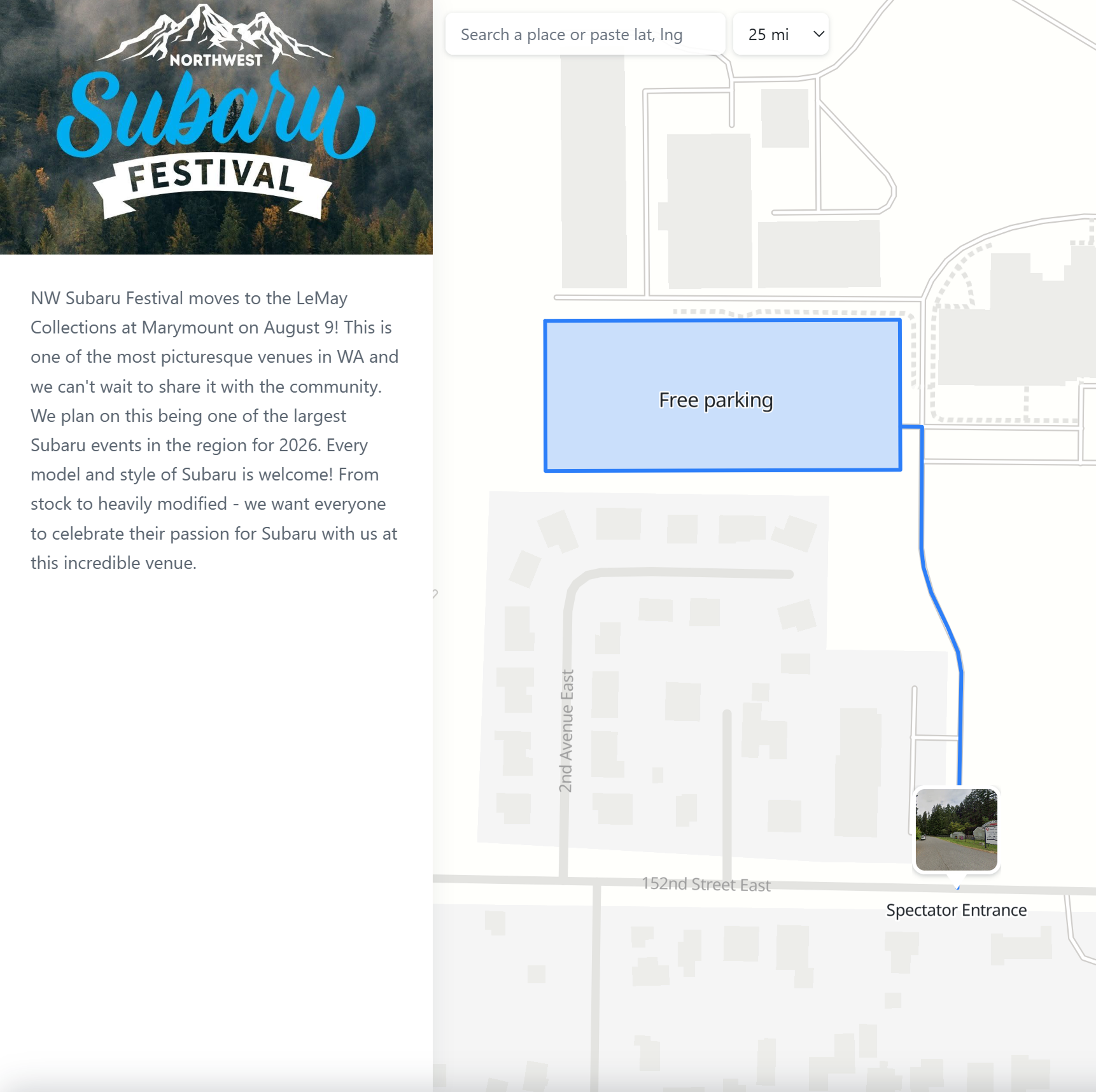
Zones, food, routes and entrances, all on one map. The map below is a live, published example. Pan around, tap a photo marker and see it for yourself.
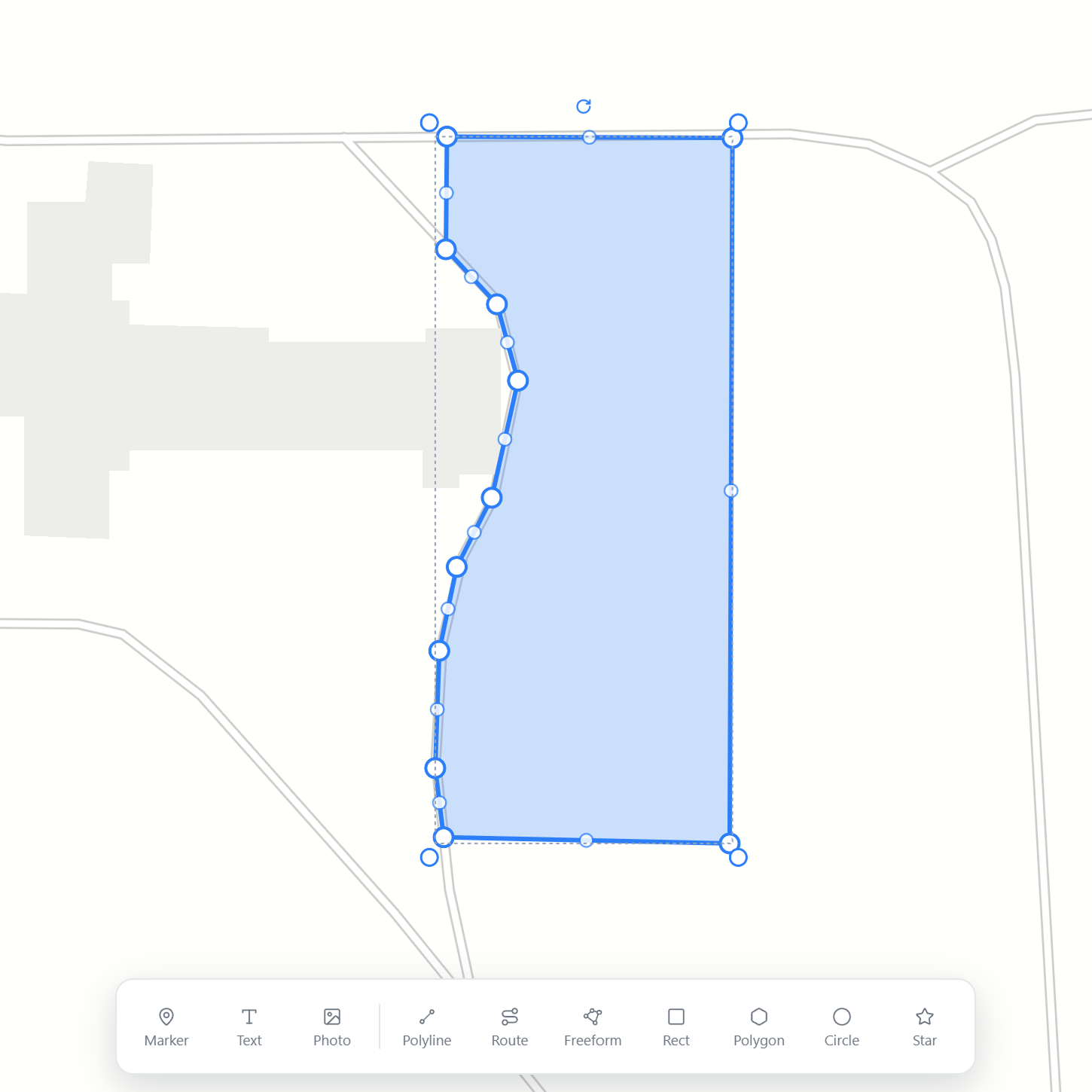
Outline a hall, a parking lot or a festival ground with a Rect for tidy blocks or a Freeform for anything irregular. Pick the stroke and fill color and opacity for each zone, so every area reads at a glance. Area and perimeter are measured for you.
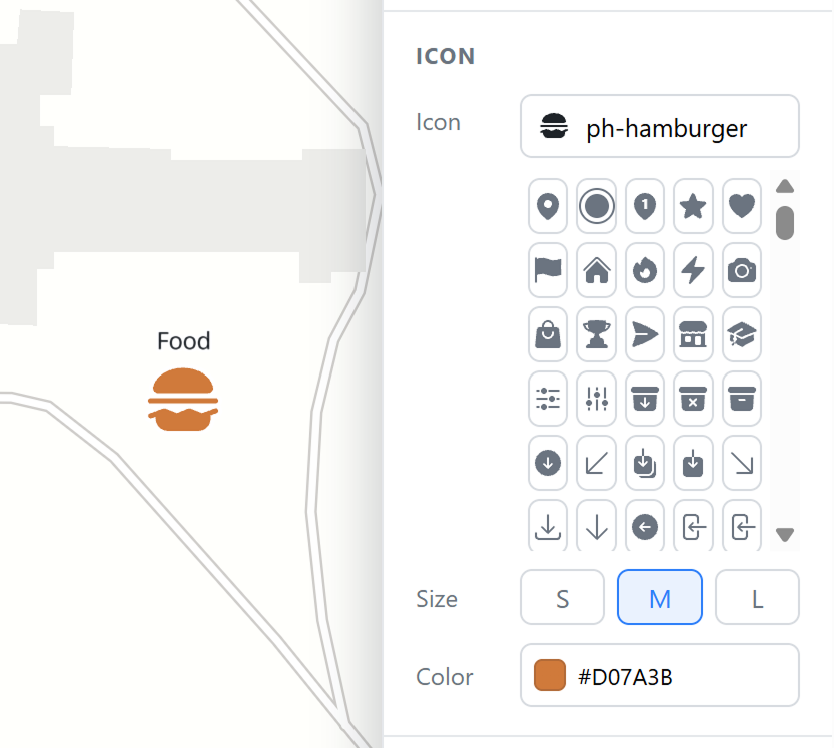
Drop a marker for each point of interest and choose an icon that says what it is, like food, restrooms, first aid or parking. Set the size and color per marker so the important ones stand out.
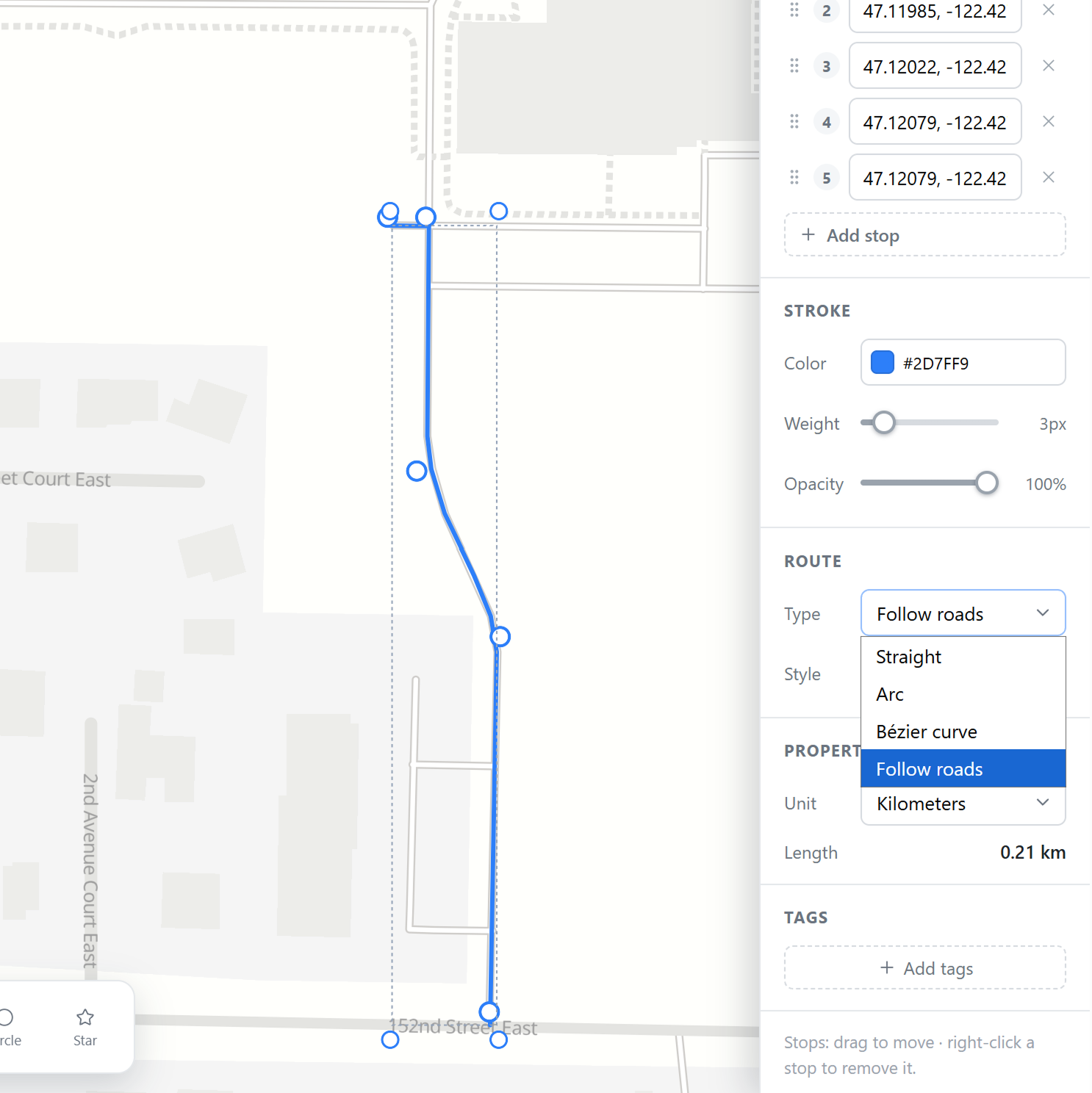
Trace the path to a place with the Route tool: a walking route from the car park, a race course, a shuttle loop. Choose Straight, Arc, Bézier, or Follow roads to snap it to the real street network, and color it to match your booklet.
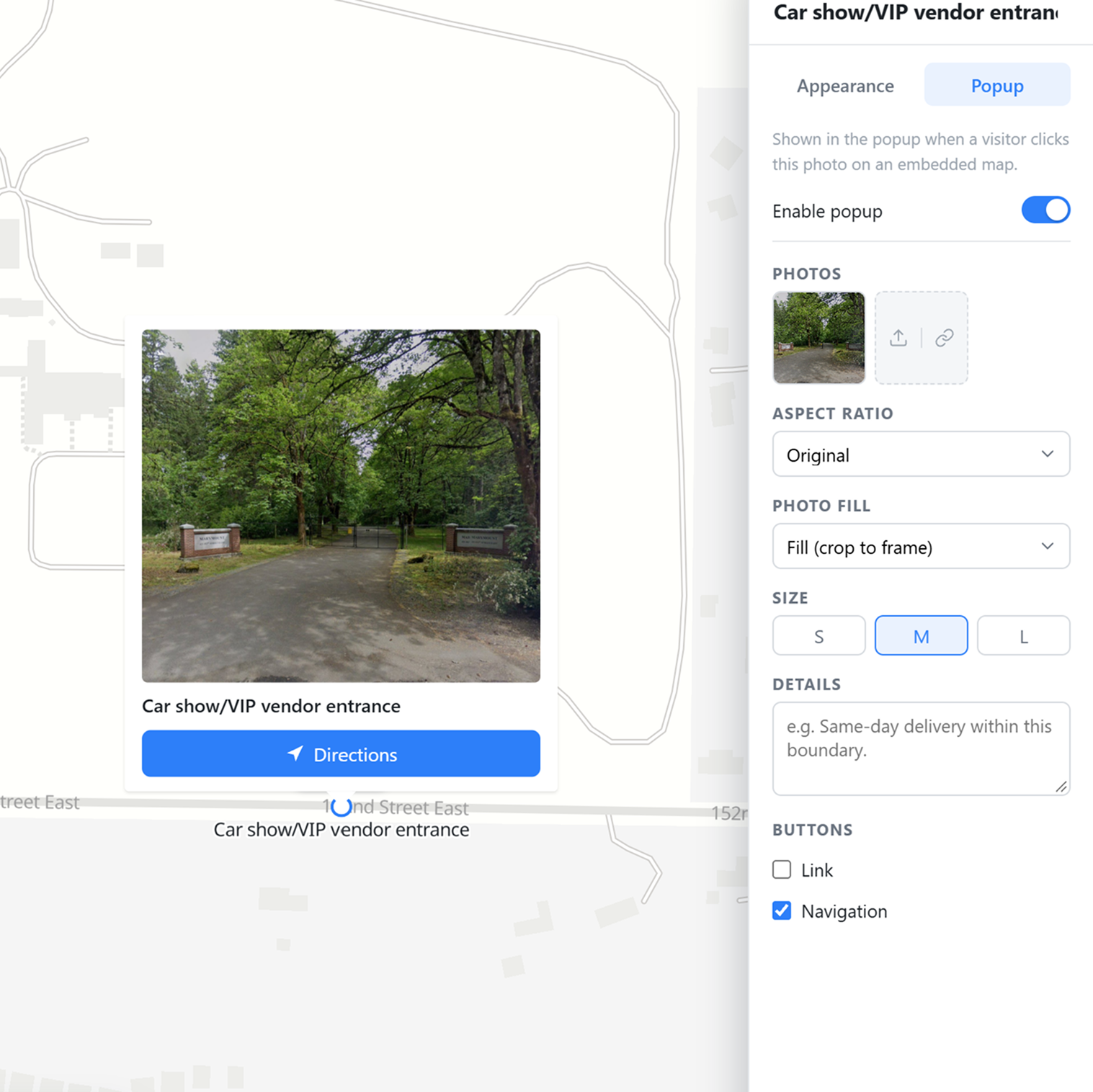
Show what a place looks like with a photo marker right on the map. Tap it for a popup with a bigger photo, a description, and a Directions button, so guests know which entrance to use and can navigate straight there.
Publish the map as a link or an embeddable iframe for your event page, with your own name, logo and a short description next to it. Print the same map for the booklet and signage from the Download menu.
Start free. Export a PNG for the program, or publish a live map for the event website.
 Map builder